

VoltHub EV Charging Solutions
Discover how VoltHub is powering the future of electric mobility in the Philippines with reliable, fast, and accessible EV charging stations nationwide.
Mobile App
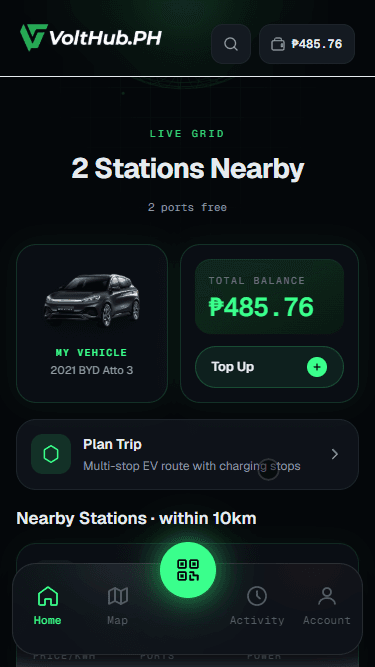
Home
Your personalized dashboard with quick access to charging status, nearby stations, and account overview.
Home
Your personalized dashboard with quick access to charging status, nearby stations, and account overview.
Scan to download on Google Play Store
Scan the QR code to download the VoltHub app on your mobile device and start charging smarter today.
Getting Started
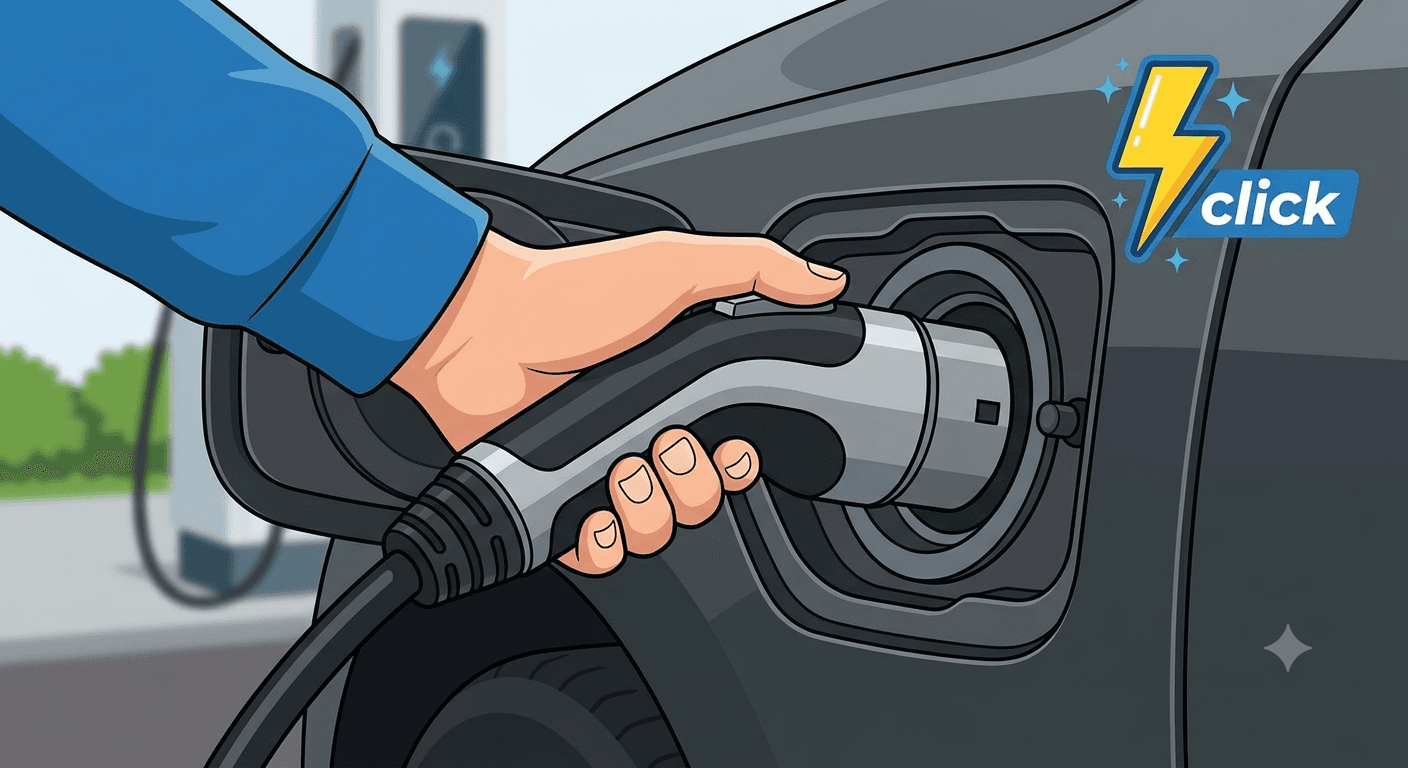
Park your EV and connect the charger cable to your vehicle's charging port. The connector locks securely in place.
Make sure your vehicle is turned off before plugging in.
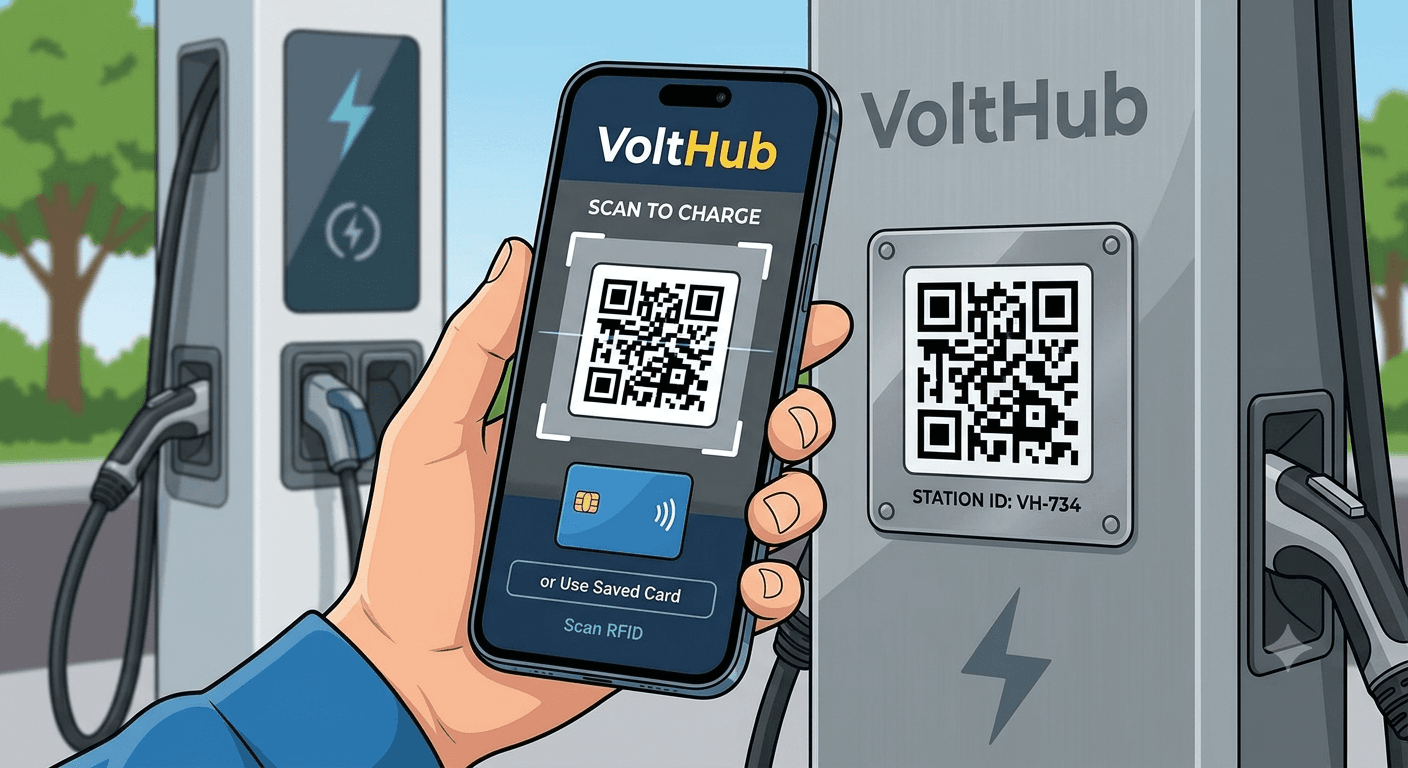
Open the VoltHub app, scan the QR code on the charger, or tap your RFID card to initiate the charging session.
You can monitor charging progress in real-time from the app.
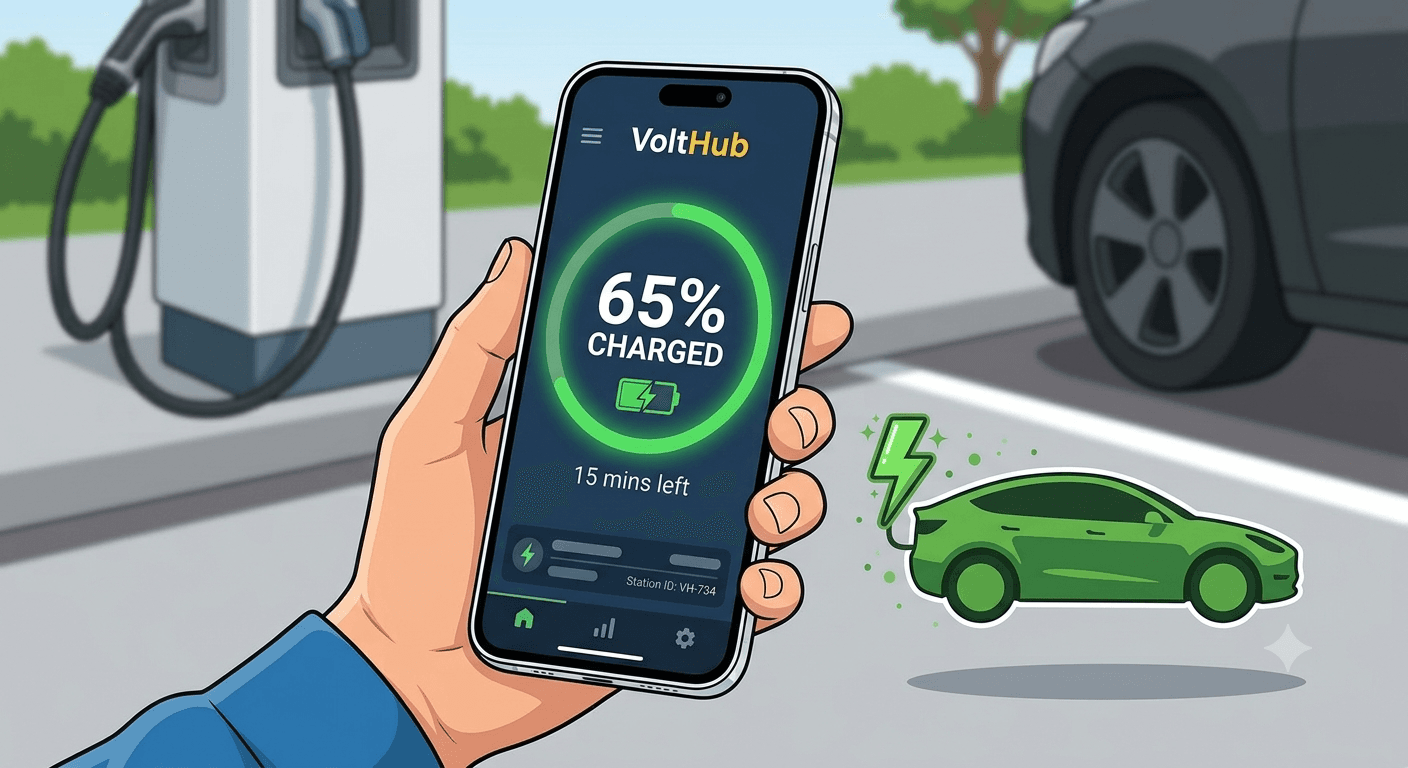
Your EV charges automatically. Track energy delivered, estimated time remaining, and cost through the app dashboard.
Fast chargers can deliver up to 80% charge in as little as 30 minutes.
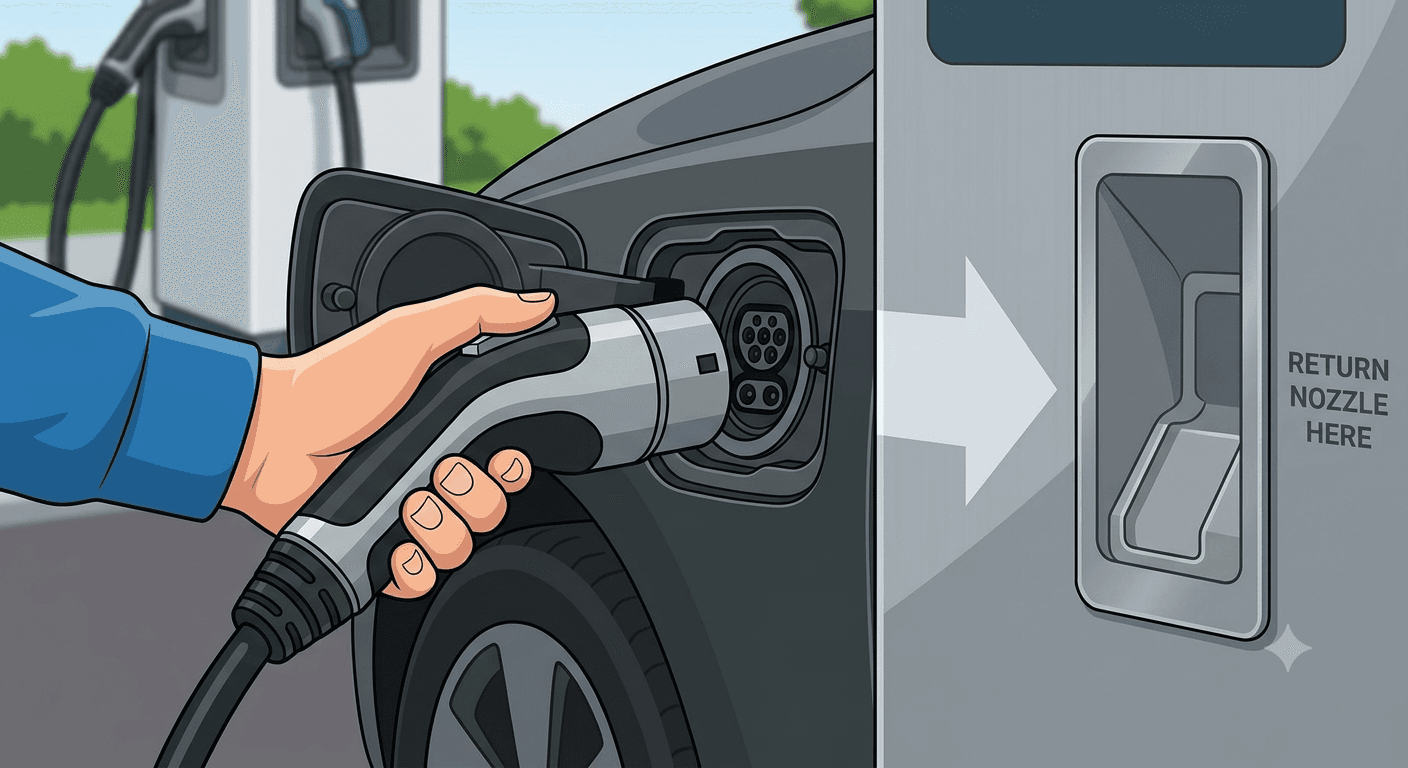
Once charging is complete, the session stops automatically. Unplug the connector, return it to the holster, and you're ready to go.
The app sends a notification when your battery reaches your target charge level.
For drivers and station operators
Drivers use VoltHub to find charging stations recorded by the DOE, including locations operated by other providers. Session control, live status, and payment work only at VoltHub-connected stations. Charging-station owners can connect an existing third-party charger: if it supports OCPP, VoltHub can assess it for onboarding to the app, payments, monitoring, and operator dashboard without requiring the purchase of a new VoltHub charger.
Already own another brand of charger? If it supports OCPP, VoltHub can assess and connect it to the platform after endpoint, security, meter-value, and remote-command compatibility testing.
Publish the site location, connectors, power, price, operating hours, and live status for drivers using the VoltHub app.
Support wallet, GCash, and card payments, then receive itemized monthly charging-revenue settlement under the selected operation plan.
View sessions, energy delivered, revenue, uptime, and faults, with remote start, stop, reset, pricing, and alert tools where the charger exposes the required OCPP functions.
At supported VoltHub-connected stations, drivers can use the VoltHub H5 browser-based charging flow. This gives occasional users and visitors a no-download way to charge, while regular drivers can use the iOS or Android app for their account and charging history.
Send the brand, model, OCPP version, current backend status, number of connectors, and site location. VoltHub will confirm the integration path and required compatibility test.
Explore CSMS and OCPP integrationSee current charging-station operation plans or read our Philippine EV charging app comparison.
The VoltHub app is a free iOS and Android app for finding Philippine EV charging stations recorded by the DOE. At stations connected to the VoltHub platform, drivers can also check live availability, start by QR code or RFID, monitor the session, pay, and review charging history.
The VoltHub app displays EV charging stations recorded in the DOE EV Industry Portal, including stations operated by other providers. Those third-party stations are shown for discovery; live control, session start, payment, and real-time status are available only when a station is connected to the VoltHub platform.
At a VoltHub-connected station, plug in the compatible connector, scan the QR code in the app or use a registered RFID card, confirm the connector and displayed price, then pay with the available wallet, GCash, or card option. DOE-listed stations that are not connected to VoltHub cannot be controlled through the app.
No. At supported VoltHub-connected stations, drivers can use VoltHub's H5 browser-based charging flow without downloading the mobile app. App and H5 functions depend on the station's VoltHub integration and enabled payment options.
Yes. If the charger supports OCPP, VoltHub can assess it for connection to the app and operator platform. Final onboarding requires compatibility testing of the charger's OCPP version, endpoint and security settings, meter values, remote commands, and firmware behavior.
VoltHub can provide app listing, driver payments, QR or RFID session access, monitoring, pricing controls, alerts, reporting, driver support, and monthly revenue settlement. Site owners can use VoltHub-supplied equipment or request integration of an existing OCPP charger.
Preview the station listings currently loaded on this page by location, connector type, power output, and availability. The VoltHub mobile app also displays Philippine charging stations recorded by the DOE; live control is limited to connected stations.
1 station found
For site owners
We supply or connect the chargers, list your site in the app, collect payments, monitor every charger and settle your revenue monthly. Plans from ₱1,500 per station per month.
Video Blog
Discover how VoltHub is powering the future of electric mobility in the Philippines with reliable, fast, and accessible EV charging stations nationwide.
More video guides coming soon. Subscribe to stay updated on the latest EV charging tutorials and product walkthroughs.